IMPORTANT REGISTRATION INFORMATION
Below is some information we wanted to highlight to help you modify your registration, including the registration link and a guide to adding pre-con and breakout sessions to your registered tickets!
HOW TO ADD PRE-CON AND BREAKOUT SESSIONS
1. Click the link below to log in with your email address and confirmation number
2. Click on the Modify Registration button
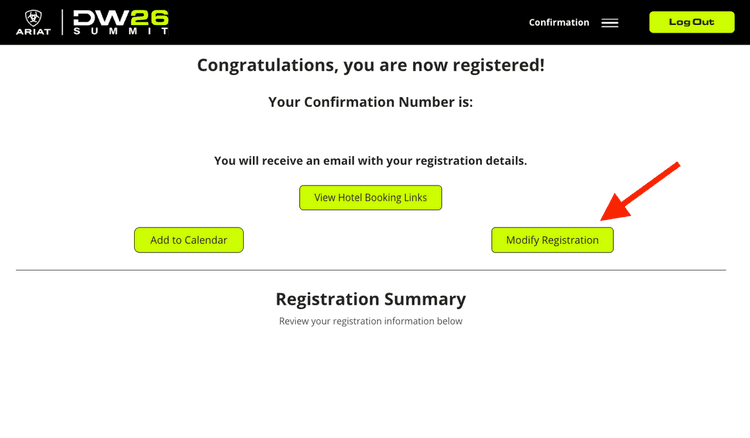
3. Click Next at the bottom until you get to the Personalize Your Schedule page
4. Click Select next to each session you want to attend
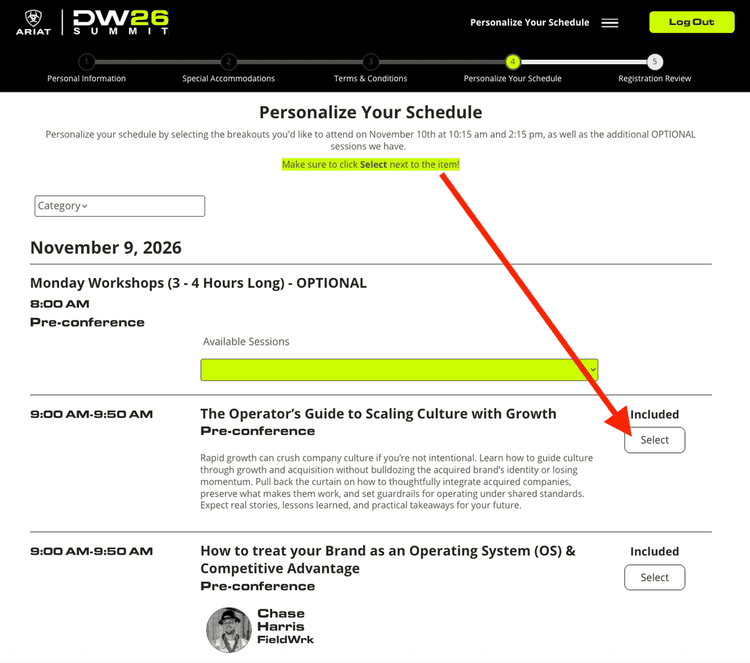
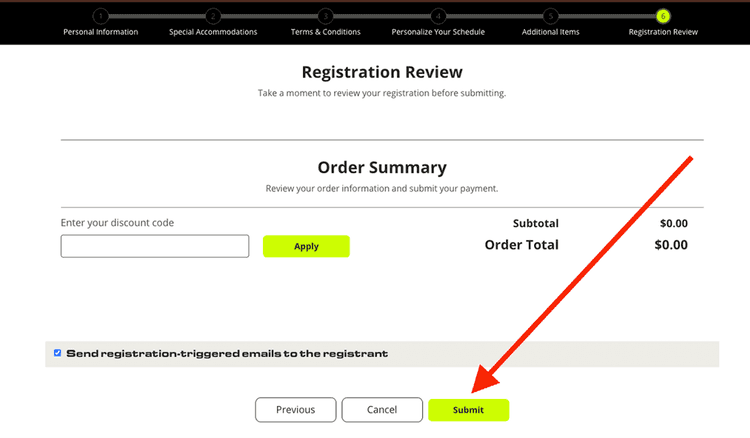
5. Click Next at the bottom of the page until you get to the Registration Review screen.
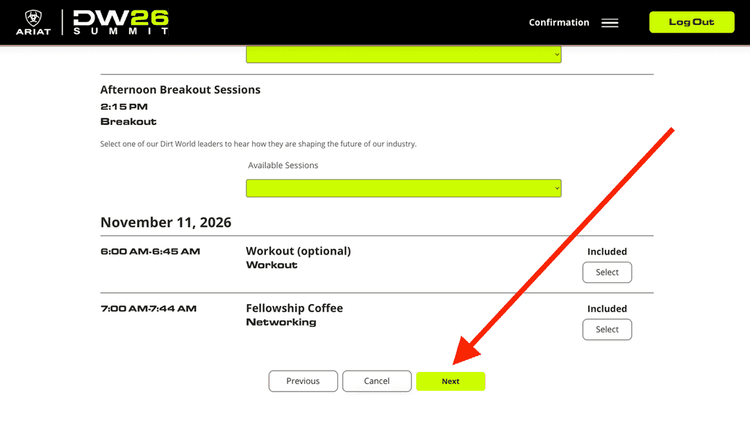
6. Click Submit. Many people miss this last step.
REGISTRATION LINK & DISCOUNT CODE
You purchased multiple tickets and want to add team members to them?
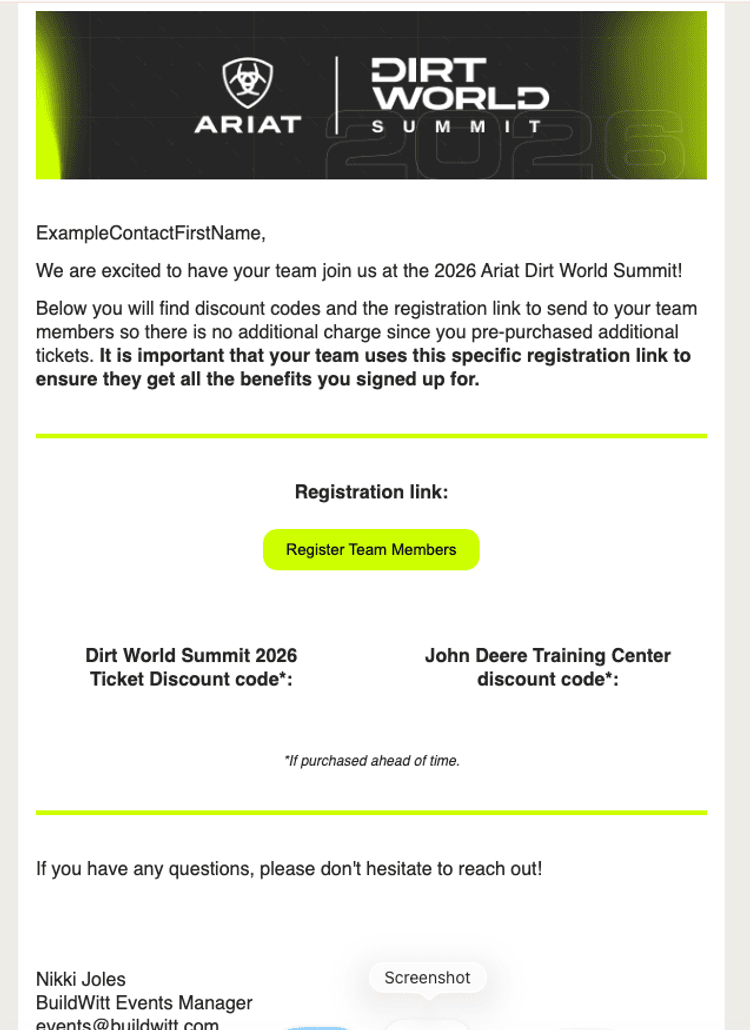
You should have received an email like the one shown below.
Send the link and the discount code to your team members who want to register for the tickets, and have them complete the registration process.
*It is important that your team uses your specific registration link to ensure they get all the benefits you signed up for.